
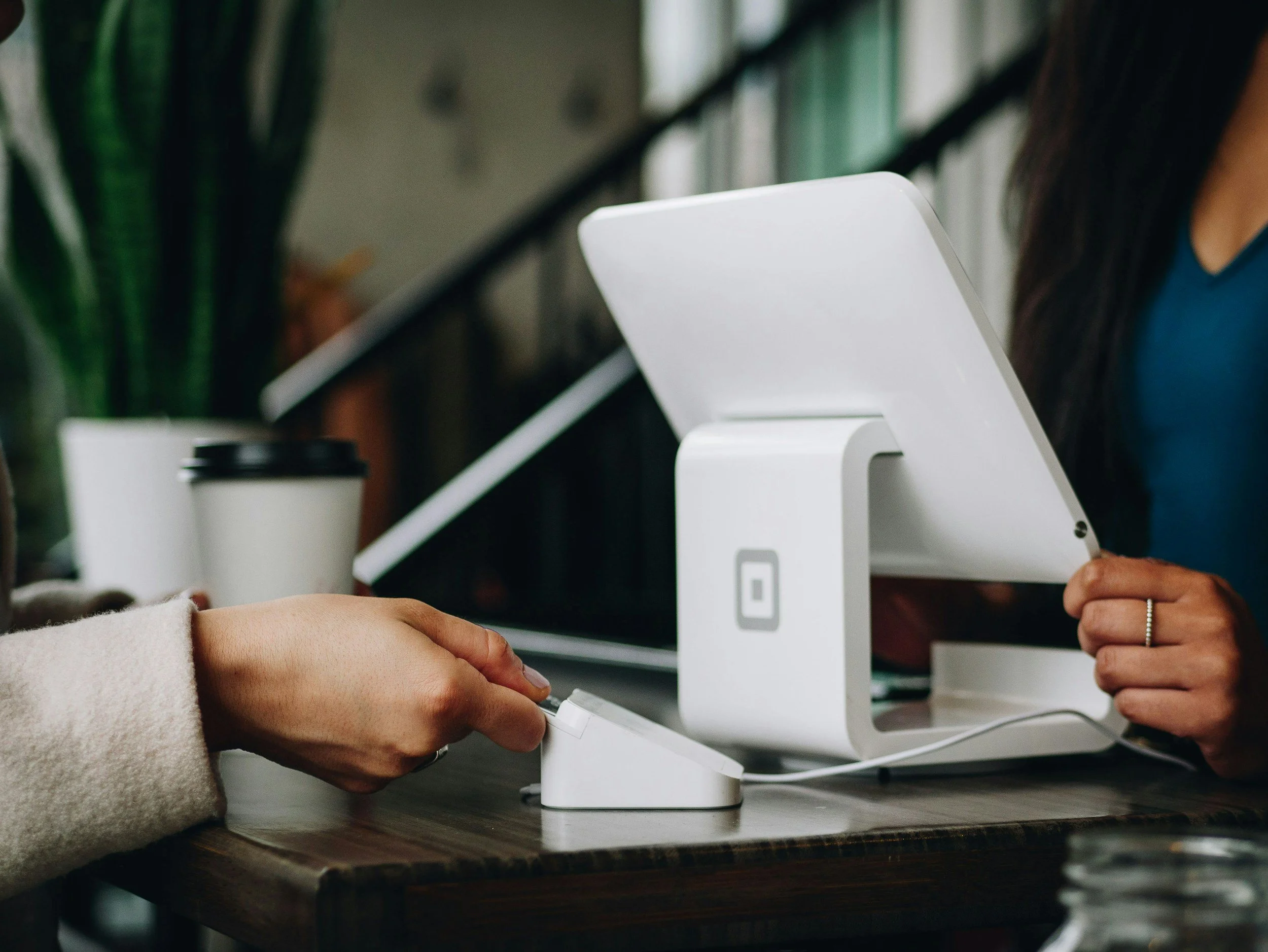
Point of Sale (POS) Hardware Installation
Jefferson Network Solutions provides professional POS hardware installation, setup, and integration for restaurants, retail stores, service businesses, and other customer-facing operations. We connect the terminals, peripherals, network equipment, and power infrastructure required to create a dependable, organized, and ready-to-use checkout environment.
From a single register to a multi-station operation, we build POS setups that are stable, easy to use, and prepared for your busiest hours.
Your point-of-sale system should help your team serve customers—not create more technical problems.
From a single register to a multi-station operation, we build POS setups that are stable, easy to use, and prepared for your busiest hours.
-
A modern point-of-sale system involves much more than placing a register on a counter.
The terminals, printers, card readers, barcode scanners, cash drawers, displays, network connections, and power sources all need to work together. When one part of that system is installed incorrectly, it can lead to slow transactions, unreliable devices, disconnected printers, exposed wiring, or unnecessary downtime.
We install and organize your POS hardware so your staff can focus on customers instead of troubleshooting equipment.
Our installation process can include:
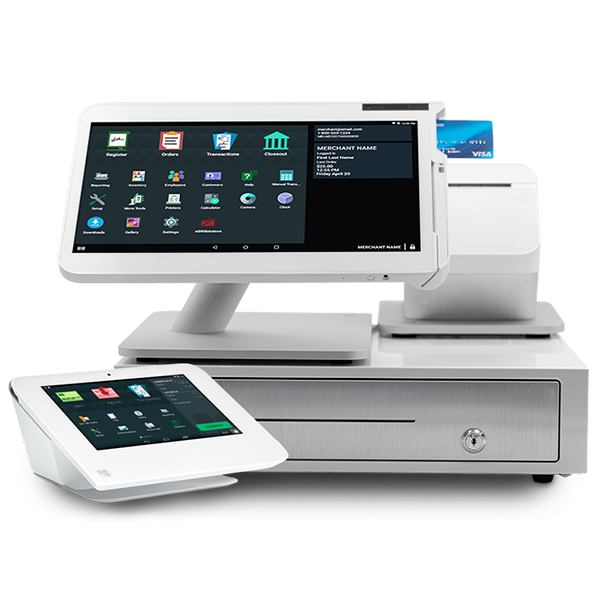
POS terminals, registers, and workstations
Customer-facing displays
Receipt and kitchen printers
Barcode scanners
Cash drawers
Card readers and payment terminals
Network switches and Ethernet connections
Power connections and cable management
Device placement and workstation organization
Multi-station and multi-zone configurations
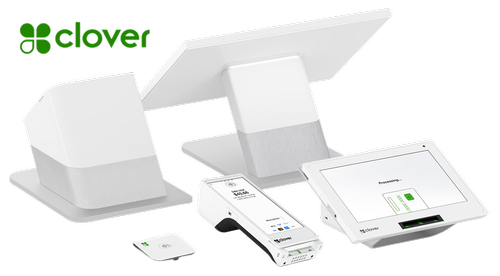
We work with popular POS platforms, including Clover, Toast, and Square, as well as hardware provided by other point-of-sale vendors.
-
Every business uses its POS system differently.
A restaurant may need kitchen printers, front-counter terminals, customer-facing displays, and reliable connections between multiple service areas. A retail store may require barcode scanners, receipt printers, cash drawers, and multiple checkout stations. A service-based business may need a compact workstation with secure payment processing and dependable network access.
We plan the installation around:
Your physical layout
The number of checkout stations
Counter and workstation locations
Available power and network connections
Printers and peripheral devices
Staff workflow
Customer traffic
Future expansion
The goal is not simply to make the equipment turn on. The goal is to create a checkout environment that works smoothly during real business operations.
-
Reduce Downtime
Correct installation helps reduce connection issues, printer failures, loose cables, and other problems that can interrupt customer transactions.
Create a Cleaner Workspace
Organized cables and properly placed equipment create a more professional checkout area while making the system easier to access and maintain.
Improve Staff Workflow
POS equipment should be positioned around how your team actually works. Proper placement can reduce unnecessary movement, crowded counters, and confusion during busy periods.
Support Future Growth
A well-planned installation makes it easier to add terminals, printers, displays, scanners, and other equipment as the business grows.
Protect Your Investment
POS hardware represents a significant investment. Proper mounting, routing, connectivity, and organization help protect that equipment and reduce avoidable wear or damage.
-
1. Site Walkthrough
We review your space, equipment, counter locations, power availability, network connections, and operational needs.
2. Installation Planning
We determine where each terminal and peripheral should be placed and identify any additional cabling, network, power, mounting, or equipment requirements.
3. Hardware Installation
We install and connect the POS terminals, printers, scanners, cash drawers, card readers, displays, and other supported devices.
4. Network and Power Integration
We connect the equipment to the necessary network and power infrastructure while organizing cables and connections.
5. Testing
We test the installed hardware and verify basic connectivity between supported devices.
6. Final Walkthrough
We review the completed installation with your team and explain the physical setup and connection points.
From a single office suite to a large multi-zone facility, we build networks that remain stable, organized, and ready to grow.
Have a unique project or an existing network that needs improvement? Contact us to discuss your space and receive a custom quote.
What Our POS Installation Service Includes
We install POS terminals, registers, tablets, workstations, and customer-facing displays in practical locations that support your staff’s workflow.
Equipment is positioned for everyday use while keeping counters organized and connections accessible for future service.
Peripheral Installation
We connect and organize the supporting hardware your POS system depends on, including:
Receipt printers
Kitchen printers
Barcode scanners
Cash drawers
Card readers
Payment terminals
Customer displays
Label printers
Compatible accessories
Each device is connected to the appropriate terminal, network connection, or power source.
Network Integration
A POS system is only as reliable as the network supporting it.
We connect your POS equipment to the appropriate wired or wireless network and help ensure that terminals, printers, and connected devices can communicate properly.
For businesses that need additional infrastructure, we can also install Ethernet cabling, network switches, wall jacks, patch panels, and related equipment.
Power and Cable Organization
Loose cables and overloaded power strips can create safety issues, equipment problems, and an unprofessional appearance.
We route and organize power and data cables to keep the installation clean, accessible, and easier to maintain. When appropriate, cables can be secured beneath counters, through workstations, along approved pathways, or into properly installed network connections.
Multi-Station Configuration
Businesses with multiple registers or service areas need a consistent setup across every station.
We can install and organize multiple POS stations throughout:
Front counters
Checkout lanes
Dining areas
Bars
Kitchens
Warehouses
Service desks
Mobile checkout areas
Each station is planned as part of the larger system rather than treated as a separate device.
Testing and Final Review
After installation, we verify that the connected hardware powers on and communicates as expected.
Testing may include:
Terminal connectivity
Printer communication
Scanner response
Cash-drawer activation
Customer-display connections
Network access
Cable and power inspection
Basic transaction-flow review
We also walk through the completed setup with your team so they understand where equipment is connected and how the installation is organized.
Industries served
Restaurants and Food Service
We install POS terminals, kitchen printers, receipt printers, customer displays, card readers, and network connections for restaurants, cafés, food counters, and other food-service businesses.
Configurations can support front counters, kitchens, bars, pickup areas, and multiple service zones.
Retail Stores
We create organized retail checkout stations with registers, barcode scanners, receipt printers, cash drawers, card readers, customer displays, and reliable network connections.
Service-Based Businesses
We support salons, repair businesses, offices, gyms, studios, professional services, and other businesses that need dependable payment and customer-management workstations.
Multi-Station Businesses
For locations with multiple checkout points, we plan the placement, cabling, connectivity, and organization of each station as part of one complete POS environment.
Past Project
Cocoro Bistro Sushi brought in Jefferson Network Solutions to modernize and secure their technology infrastructure across the board.
We installed a complete 21-camera 4K surveillance system, providing comprehensive coverage of both interior and exterior spaces. Alongside the security upgrade, we overhauled their network with new Cat6 cabling and set up segmented Wi-Fi—ensuring fast, reliable connectivity for staff operations, POS devices, and guest access.
Our team also unboxed, installed, tested, and programmed their Clover POS system, delivering a seamless setup that was ready to run on day one.
From secure surveillance to streamlined transactions and dependable wireless access, Cocoro now operates on a rock-solid tech foundation.