
Wi-Fi Installation, Configuration & Upgrades
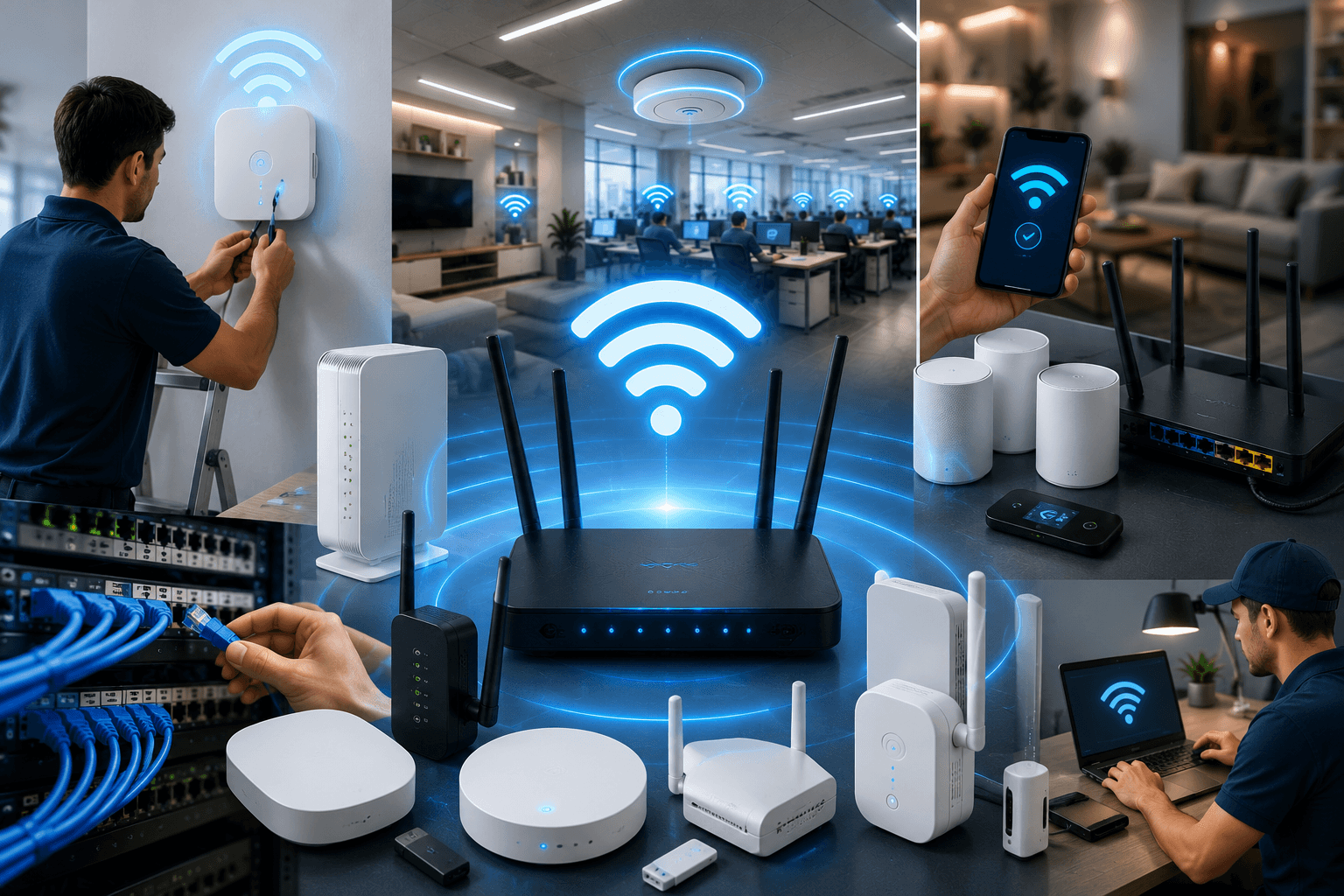
Get fast, reliable Wi-Fi throughout your home or business with professional installation, configuration, and network upgrades.
Jefferson Network Solutions evaluates your space, existing equipment, connected devices, and coverage needs before recommending a solution. We optimize access-point placement, improve performance, strengthen coverage, and reduce dead zones so your devices stay connected where you need them.
Reliable Wi-Fi Starts With the Right Design
A stronger router does not always solve poor Wi-Fi performance.
Walls, building materials, distance, interference, device count, equipment placement, and network configuration can all affect speed and reliability. A system that works well in one room may still leave bedrooms, offices, warehouses, patios, or other areas with weak or inconsistent service.
Jefferson Network Solutions designs and installs Wi-Fi systems around the actual layout of your property.
Our service may include:
On-site Wi-Fi assessment
Coverage and dead-zone review
Router and access-point placement
Wireless network setup
Mesh Wi-Fi installation
Wired access-point installation
Business-grade wireless systems
Network-name and password configuration
Guest-network setup
Device connectivity assistance
Ethernet and PoE cabling
Router and network-equipment upgrades
Performance testing
Existing network cleanup
Final system walkthrough
From a small home to a multi-zone commercial property, we build wireless networks that are organized, stable, and ready for everyday use.
Wi-Fi Installation FAQs
Do you install Wi-Fi for both homes and businesses?
Yes. We install and configure Wi-Fi systems for homes, offices, retail stores, restaurants, warehouses, service businesses, and other properties.
Can you eliminate Wi-Fi dead zones?
We can evaluate weak coverage areas and recommend improved equipment placement, mesh units, wired access points, or network upgrades. Building materials, interference, distance, and internet-provider limitations may still affect performance.
Do you install mesh Wi-Fi systems?
Yes. We install and configure compatible mesh Wi-Fi equipment and position each unit based on the layout, coverage needs, and available network connections within the property.
Can you install wired wireless access points?
Yes. We can install Ethernet cabling and compatible wired access points for more stable wireless coverage across larger homes and commercial properties.
Can you create a separate guest Wi-Fi network?
Yes. We can configure supported equipment with a separate guest network for visitors, customers, or other users while keeping the primary network separate.
Will new Wi-Fi equipment increase my internet speed?
New equipment may improve wireless coverage, capacity, and local network performance. Your maximum internet speed remains limited by your service plan, internet provider, modem, connected device, and other conditions.
Can you upgrade my existing network?
Yes. We can evaluate your current router, access points, switches, cabling, equipment placement, and configuration before recommending appropriate upgrades.
Our Wi-Fi Installation Process
1. Property Assessment
We review the layout, internet connection, current equipment, device count, problem areas, and desired coverage.
2. Network Plan
We recommend router, access-point, cabling, switch, and equipment locations based on the property.
3. Installation
We install compatible routers, access points, mesh units, Ethernet cabling, switches, and supporting equipment.
4. Configuration
We configure supported network names, passwords, guest access, security settings, and device connectivity.
5. Testing
We test coverage, connections, equipment communication, and basic performance throughout the intended areas.
6. Final Walkthrough
We review the completed setup and explain the network layout, equipment locations, and basic access information.
-
We evaluate your property, existing network equipment, connected devices, and areas with weak or inconsistent service.
The assessment helps identify dead zones, interference, poor equipment placement, limited range, overloaded hardware, and locations that may benefit from additional access points or Ethernet cabling.
We use that information to recommend a network plan based on how the property is actually used.
-
We design and install wireless networks for homes, apartments, home offices, garages, workshops, patios, and other residential spaces.
The system may include a router, mesh units, wired access points, Ethernet cabling, network switches, and guest access.
Equipment is positioned around the layout of the home and the areas where dependable connectivity matters most.
-
We install wireless networks for offices, restaurants, retail stores, warehouses, showrooms, and other commercial properties.
Business Wi-Fi can be designed to support employees, customers, computers, phones, POS equipment, cameras, printers, and other connected systems.
Configurations may include multiple access points, separate guest and employee networks, wired backhaul, PoE switches, and expandable network equipment.
-
We install and configure compatible mesh Wi-Fi systems for properties that need broader wireless coverage.
Mesh units are positioned to improve connectivity between rooms, floors, and other areas. When supported and practical, Ethernet backhaul can be used to improve communication between the units.
Mesh performance depends on the layout, building materials, distance, internet service, and equipment selected.
-
Your network should not become outdated as soon as your business adds new employees, computers, phones, cameras, access points, or other connected devices.
We design network configurations with future growth in mind. This can include additional cable capacity, available rack space, higher-speed cabling, expandable switches, and more flexible equipment placement.
Planning ahead can reduce the cost and disruption of future upgrades while helping your network continue to perform as your needs change.
-
We configure supported routers, access points, switches, and related network equipment.
Configuration may include wireless network names, passwords, security settings, guest access, firmware updates, access-point naming, supported roaming features, and basic network organization.
Available settings vary by manufacturer and equipment model.
-
We can configure separate wireless networks for guests, employees, family members, smart devices, or other user groups when supported by the equipment.
Separating access can improve organization and reduce unnecessary access to internal devices and systems.
More advanced segmentation may require compatible business-grade network equipment.
-
We install Ethernet cabling to support wireless access points and other network-connected equipment.
Depending on the project, this may include Cat5e, Cat6, Cat6a, network wall jacks, patch panels, PoE switches, equipment racks, cable labeling, and connection testing.
Wired connections can improve stability and reduce the amount of traffic relying entirely on Wi-Fi.